
Organize contacts for campaigns and workflows
Group contacts into saved segments from the dashboard or API, and import contacts from CSV or configured public Google Sheets.
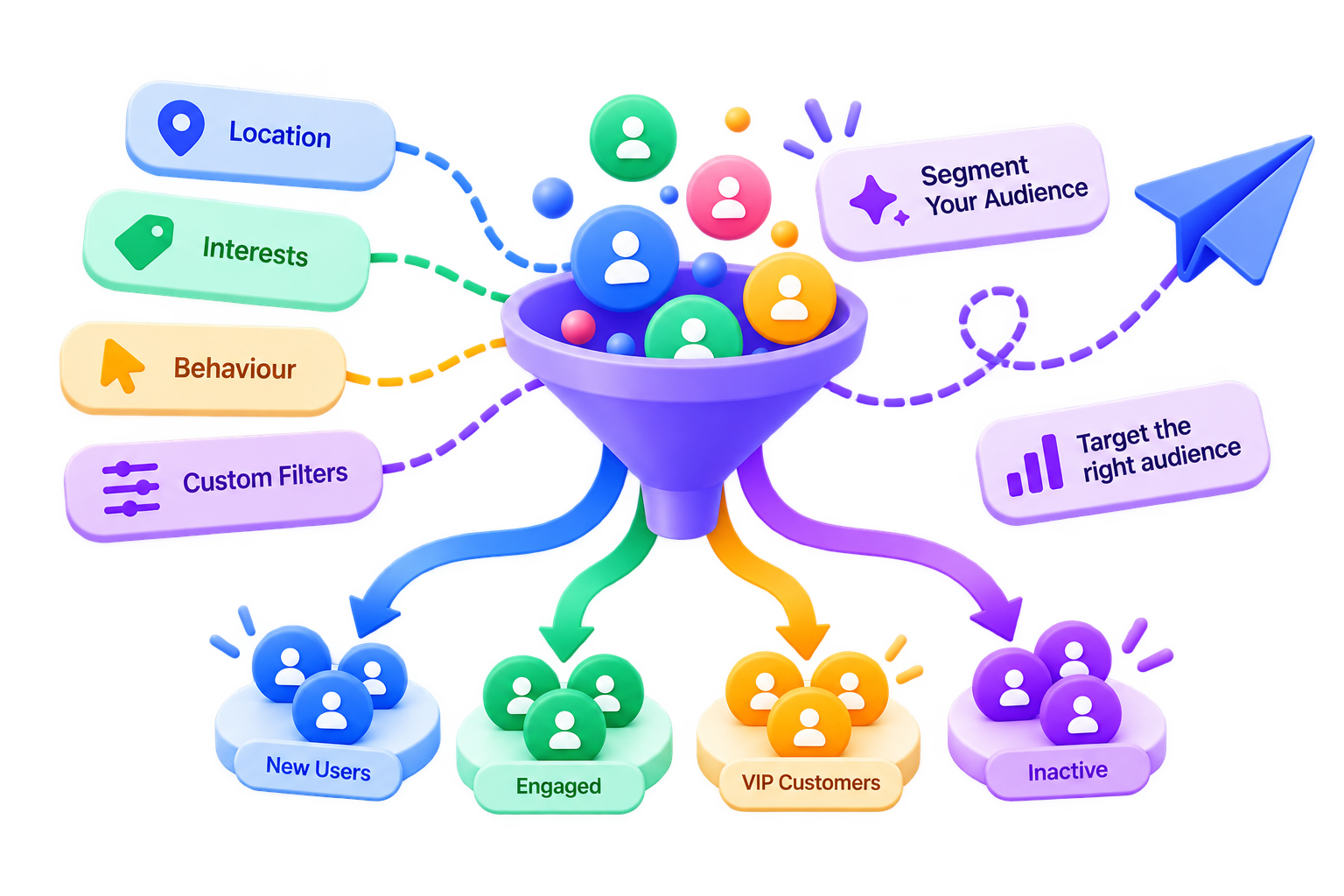
What is Mailofly Audience Segments?
Mailofly provides saved audience segments with explicit contact membership. Add or remove contacts through the dashboard, API, imports, automations, or Google Sheets sync.
Audience segments
Contact imports
Public-sheet sync
Technical Parameters & Standards
Explicit segment-contact links
Dashboard and REST API
CSV and configured public Google Sheets
Contact and membership data
Engineered for developer velocity
Saved membership
Add or remove contacts from a named segment and reuse that audience in campaigns.
Import workflows
Populate contact lists from CSV or a configured public Google Sheet.
API and automation actions
Manage segment membership through the REST API or add-to-segment automation steps.
How it works
Create a segment
Create a named audience segment in the dashboard or through the API.
Add contacts
Add contacts directly, import a list, or connect a supported Google Sheet.
Target in campaigns or triggers
Select the saved segment in a campaign or supported automation workflow.
Frequently Asked Questions
Explore related features
Automated Multi-Step Sequences
Build event-triggered email workflows with relative delays, waits for events, conditions, and contact actions.
Integrations (Supabase, Sheets, AI)
Connect Supabase database webhooks, import contacts from public Google Sheets, use framework quickstarts, and connect compatible AI assistants through MCP.
Unsubscribe Compliance & Preferences
Use unsubscribe handling, preference settings, and suppression lists to manage subscriber choices.
Ready to build with Audience Segments?
Join thousands of engineering teams delivering transactional and lifecycle email with blazing speed and zero downtime.