
Send through Google infrastructure with zero DNS friction
Authenticate your Google accounts with one click and dispatch notifications with maximum inbox trust directly through the Gmail API, or send via authenticated custom domains.
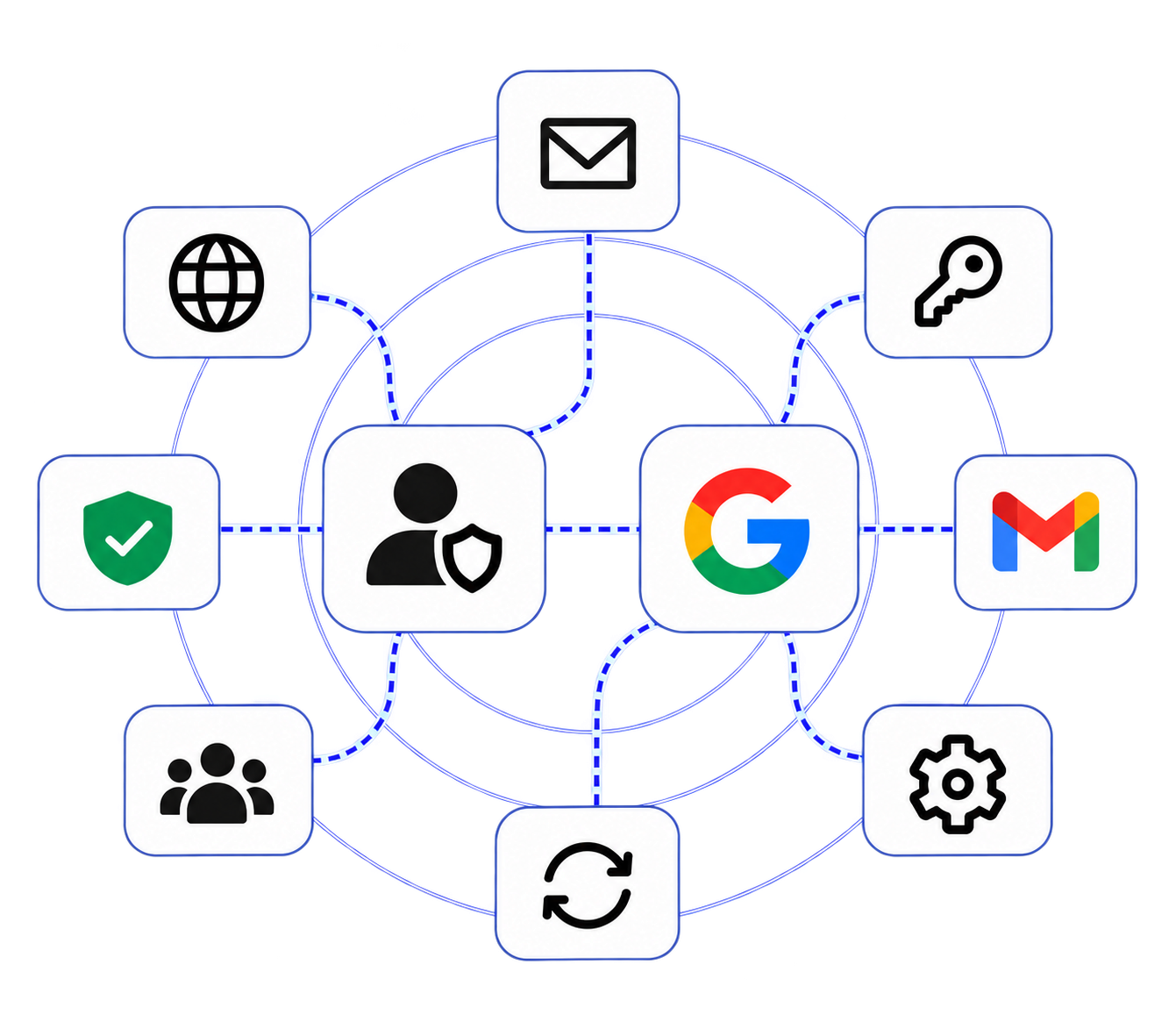
What is Mailofly Multi-Sender Identities (Domain & Gmail)?
Mailofly Multi-Sender Identities enables dual-mode sending: send either through custom verified domains with SPF/DKIM/DMARC or connect personal Gmail/Google Workspace accounts via OAuth 2.0 to dispatch directly through Google's trusted infrastructure with zero DNS configuration.
Configuration needed for Gmail
Secure token encryption
Daily sends per Google inbox
Technical Parameters & Standards
Custom Verified Domain, Google Workspace, Personal Gmail
Google OAuth 2.0 with automatic background token rotation
Gmail REST API (Port-block proof) or Mailofly Global SMTP
Real-time daily sending capacity meters with auto-rotation
Engineered for developer velocity
Native Gmail API integration
Bypasses common SMTP port blocks and reputation penalties by leveraging Google's official REST API endpoints.
Automated token refresh
Mailofly automatically rotates and refreshes OAuth tokens in the background so your automated sends never fail.
Real-time daily send meters
Live capacity dials show exactly how many emails your connected Google account has sent and how many remain today.
How it works
Connect Google account
Authenticate your Google Workspace or Gmail account through our secure Google OAuth flow.
Set identity name & daily limits
Assign a friendly display name and configure daily sending safety thresholds.
Dispatch via API or campaigns
Specify the sender identity ID in your API call or select it in your campaign sequence builder.
Frequently Asked Questions
Explore related features
Email API & SMTP Relay
Developer-first email API for transactional sending, signed webhooks, and React Email templates. Dispatch notifications and OTPs in under 120ms with multi-provider failover.
SMTP Relay Service
High-deliverability SMTP relay service supporting TLS ports 587 and 465. Connect WordPress, Laravel, Postfix, and custom applications with 99.99% uptime and 3,000 free monthly emails.
Marketing Emails & Broadcasts
Design, schedule, and dispatch marketing campaigns to segmented audiences with dynamic Handlebars variables, sender rotation, and real-time open and click telemetry.
Ready to build with Multi-Sender Identities (Domain & Gmail)?
Join thousands of engineering teams delivering transactional and lifecycle email with blazing speed and zero downtime.